

Your layout is already done. Don’t rebuild it
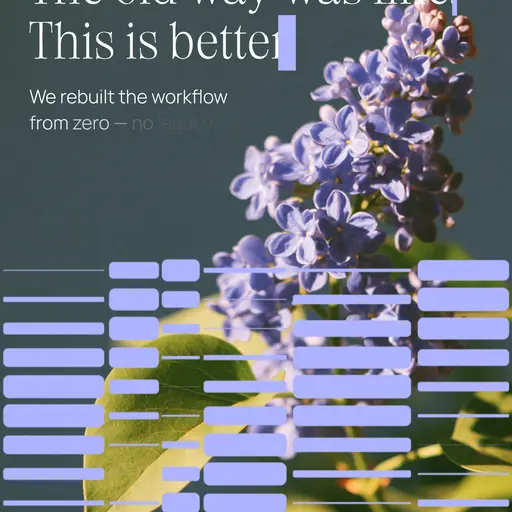
Bring the Figma frame over: text arrives live, same fonts, same kerning, ready to move.
Get the Figma pluginMake kinetic typography in minutes, not hours
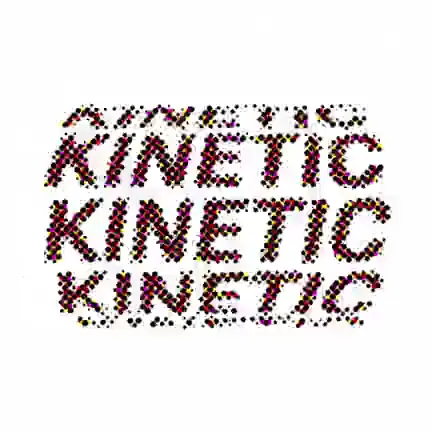
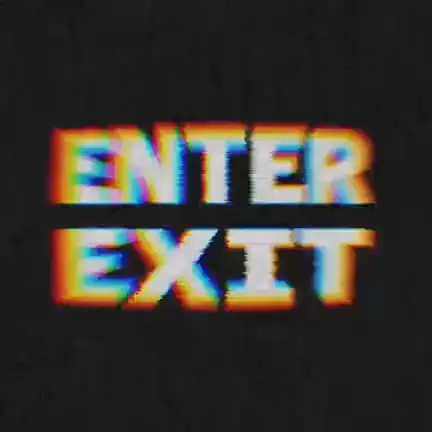
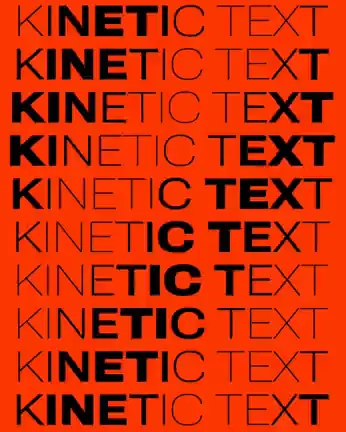
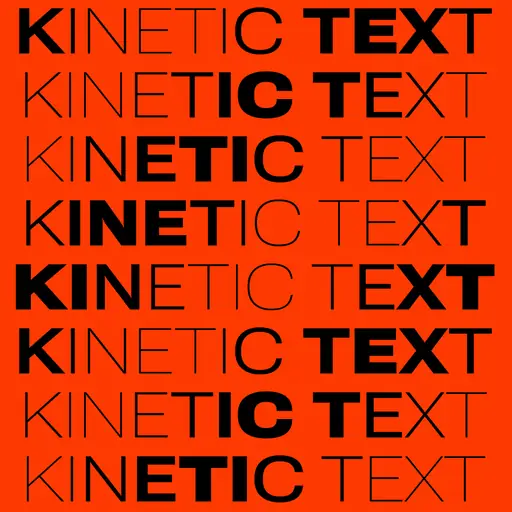
Swash ships motion, not machinery. Font morph, axes wave, color flicker, repeater, marquee — every preset is already tuned. Pick one, set a couple of parameters, and the animation is done.
Bring the Figma frame over: text arrives live, same fonts, same kerning, ready to move.
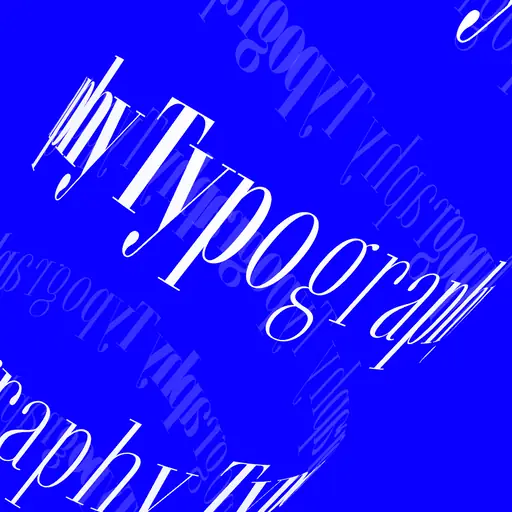
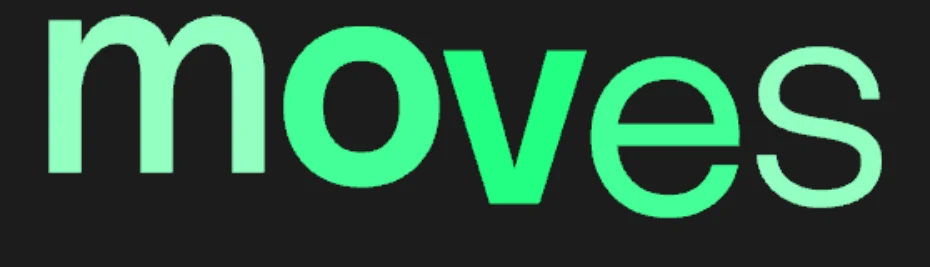
Get the Figma pluginVector glyphs all the way down: real outline morphing, kerning intact, every letter and word on its own span.
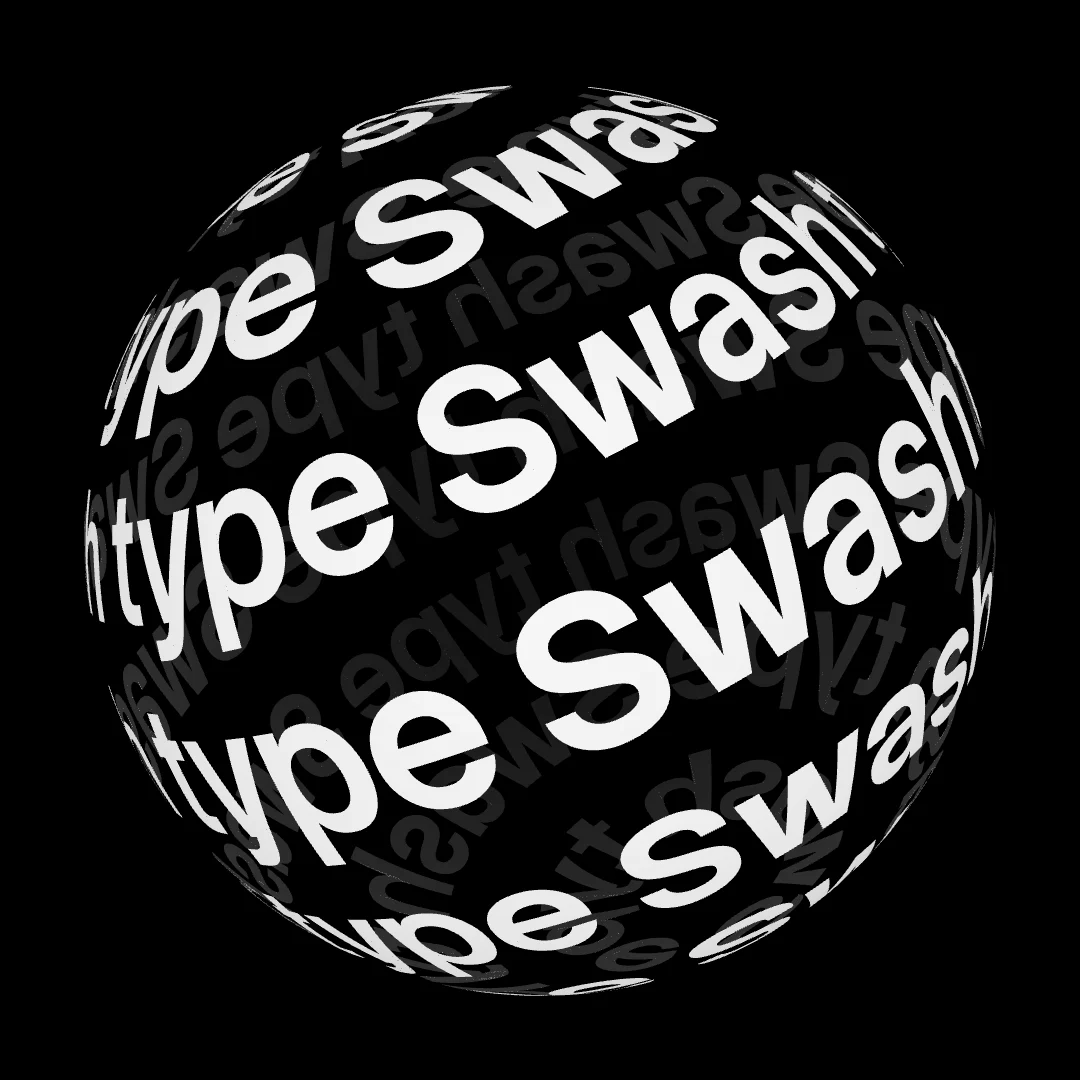
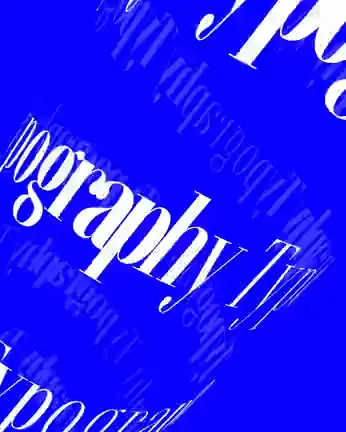
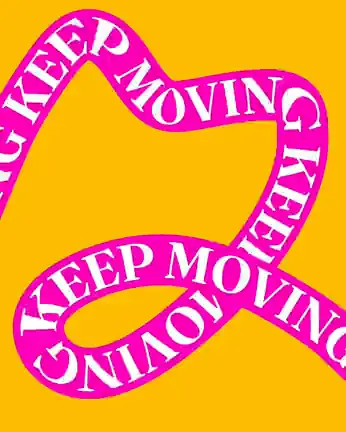
Wrap a word on a sphere or send it down a path — it stays live text you can edit, restyle and retime.
Letters arrive, leave, type themselves out — and every move can make its own sound, right on its frame. Each animation comes with sounds that fit; change the voice, where it lands and how it rises letter by letter.
Galleries, widgets and moving backgrounds live on the same timeline as your type — and leave in the same file.
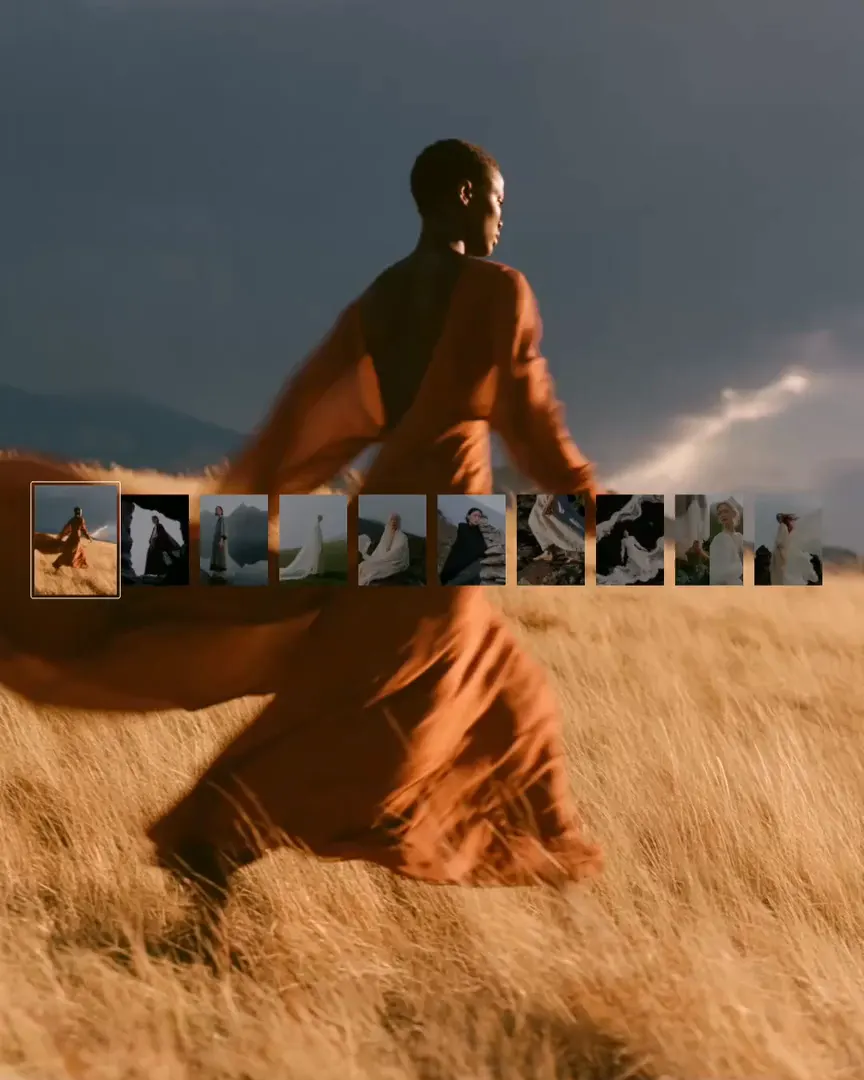
Galleries. Turn a folder of your work into a sequence that moves. 21 layouts and enough controls on each that no two portfolios end up looking alike.
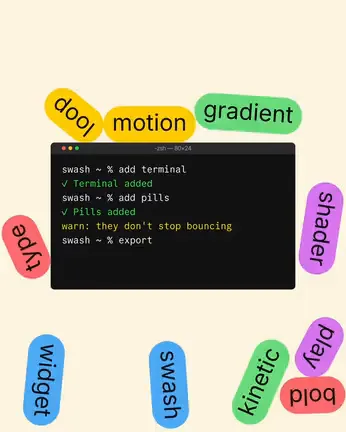
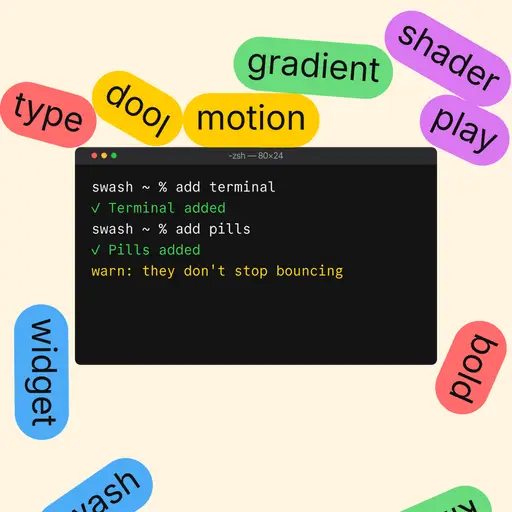
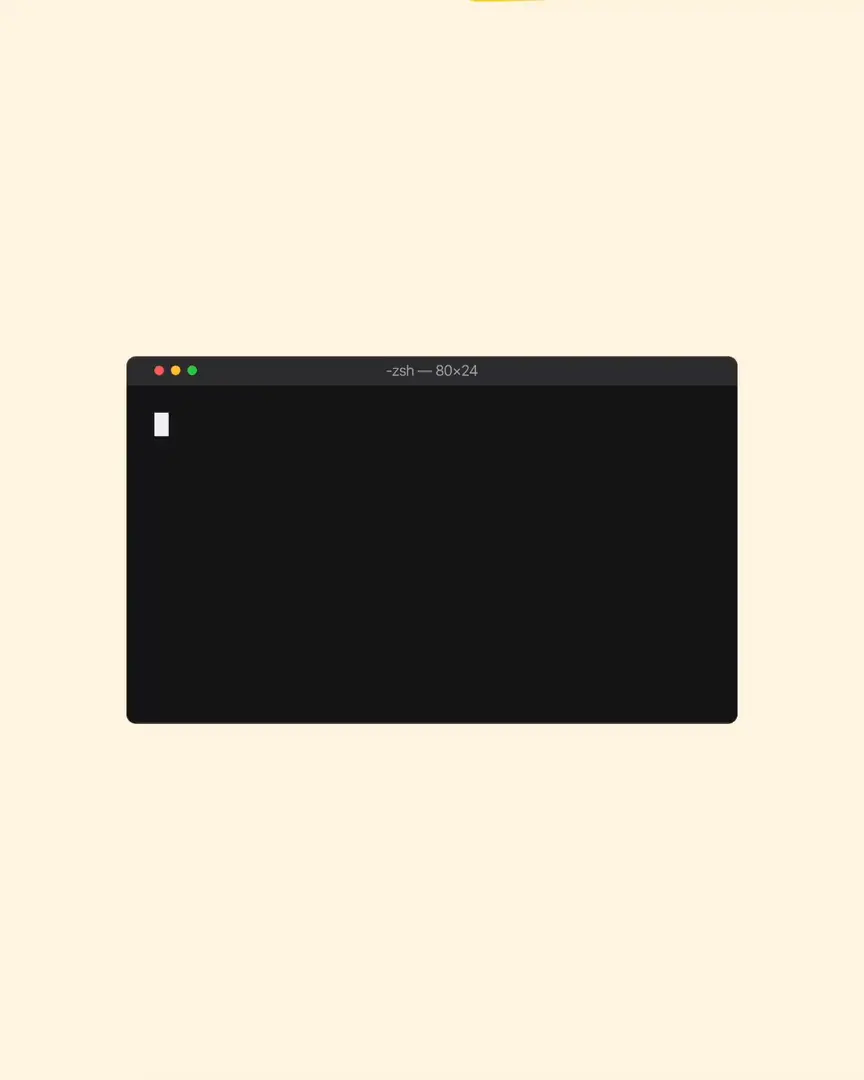 Terminal + Pills
Widgets. A countdown for a launch, a terminal for a dev post, a chat for a story? Drop it next to your words and it animates on the same timeline.
 Northern Lights
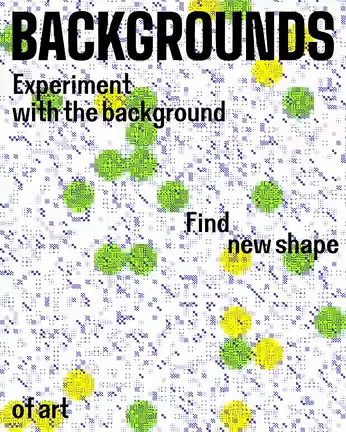
Backgrounds. Set the mood before the first word lands — a calm aurora, loud pixels or slow paint, each tuned to your colours and pace.
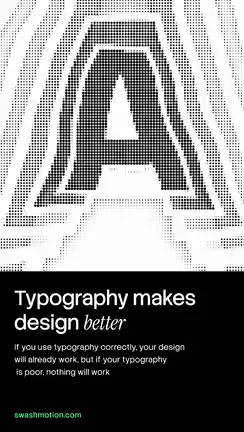
Tip Run it through a shader — Dither, Halftone or Gradient map make it your own.
Every template opens in the editor with its animators intact. Change the words, swap the preset, keep what works. Browse all templates
No card, no trial clock. Pro adds the premium shelf and 4K export when a project asks for it.
$0
Everything you need to make real work, not a demo.
$12 / month
For the weeks when type is the whole job.
Swash is a motion design editor that runs in your browser. Type your text, pick a preset and you have a finished animation in minutes, then add shaders, animated backgrounds, galleries of your work, widgets and sound. Everything stays editable, and you export a video. There is nothing to install, and new features ship most weeks: see what’s new.
Most posts take a few minutes. Every preset is a complete animation, the templates open ready to remix, and changing the words, the font or the colours keeps the motion intact.
Galleries that turn a folder of images or videos into a moving sequence in 21 layouts, 24 animated backgrounds, ready-made widgets such as a counter, terminal, chat, globe, map, cursor and ransom note, and 41 shader effects from grain and halftone to glitch, pixel sort and CRT. Animations can make sound too, from a library of over 270 sounds.
Yes, you can start for free. The free plan includes the full editor, up to 3 projects and export up to 720p at 30 fps with a Swash watermark, plus a few watermark-free exports each month. Pro costs $12 a month and adds unlimited projects, export up to 4K at 60 fps without a watermark and the premium presets, templates and fonts, with a 7-day free trial.
No. The editor opens without an account and keeps your work in the browser. Sign in to save projects to your account and to open templates from the community.
MP4 video, GIF up to 540 px, WebM with a transparent background for overlays in browsers that support it, and a single PNG frame.
Yes. Upload any .ttf or .otf file, or pick from about 200 open-licensed Google fonts. Variable fonts work too, and their axes, such as weight and width, can be animated.
For text animation, social clips, motion posters and product videos, yes: you get the result in the browser in minutes, without keyframing every letter. For character animation or compositing live footage, After Effects is still the right tool.
Yes. The free Swash plugin for Figma brings your text and layout over to Swash as editable layers.